How I Replaced My 5-Person Team with AI Agents (And You Can Too)
Stop managing tools. Start managing projects.
Here’s the blunt fact: Most freelancers don’t fail because they lack skills. They fail because they’re drowning in productivity tools.
You’re juggling Notion for notes, ClickUp for tasks, ChatGPT for content, and Google Sheets for tracking. You’ve got 47 browser tabs open. You’re spending 40% of your time managing tools instead of doing actual work.
I was there too. Until I discovered something that changed everything.
The Productivity Tool Trap

Most “productivity” tools make you less productive.
Why? They organize information. They don’t execute work.
- Notion won’t write your client proposals
- ClickUp won’t execute your tasks
- ChatGPT won’t manage your entire workflow
You end up with a Frankenstein stack of 5-10 tools. The result? You’re managing tools instead of projects.
What Are AI Agents? (Not Chatbots)
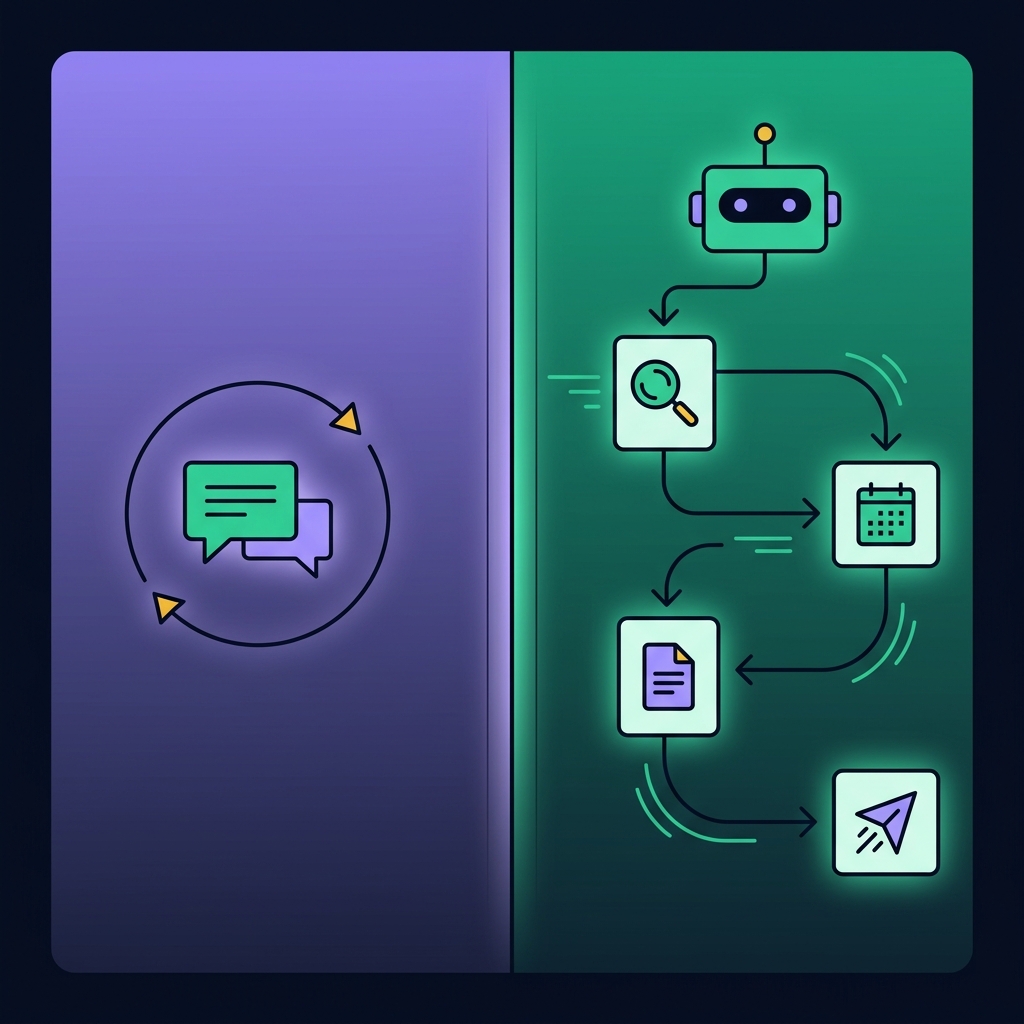
This is where AI agents come in — not chatbots.
AI that actually executes workflows for you.
The Difference:
AI Chatbots (like ChatGPT):
- Answer questions when you ask
- Require manual prompting for each task
- Don’t remember context across sessions
AI Agents (like Taskade Genesis):
- Execute complete workflows autonomously
- Chain multiple tasks together automatically
- Maintain context and learn your preferences
Real Example:
Imagine this: You type “Create a content calendar for my client’s Q1 campaign.”
The AI researches trending topics, builds the calendar, drafts outlines, and writes first drafts — while you’re in a client meeting.
That’s Taskade Genesis.
My 30-Day Experiment: The Numbers
I went all-in for 30 days. Here’s what happened:
Week 1: Setup (2 hours total)
Created 4 specialized AI agents:
- Project Manager Agent – breaks down projects into tasks
- Content Creator Agent – writes outlines, posts, emails
- Research Agent – gathers competitive intel
- Client Communication Agent – drafts professional emails
Setup time: 2 hours. Each agent = one saved custom prompt.
Week 2: The Workflow Shift
Instead of switching tools, I talked to my workspace:
“Research Agent, analyze my client’s top 3 competitors and create a comparison table.”
“Content Agent, turn this comparison into a blog post outline.”
“Project Manager, break down the Q1 campaign into weekly sprints.”
Time saved: 8 hours that week.
Week 3: Scaling Capacity
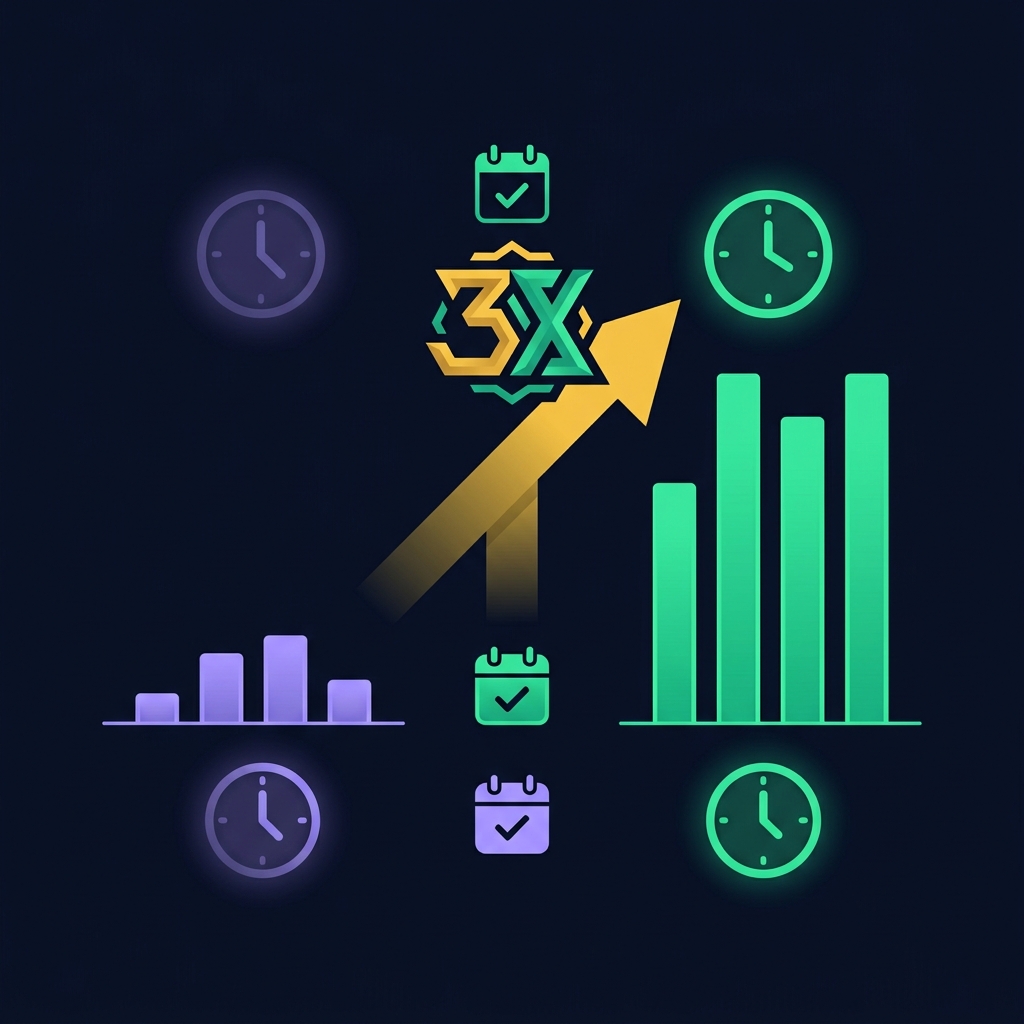
The breakthrough: I wasn’t saving time. I was scaling capacity.
Before: 2-3 projects comfortably (4-5 if I wanted burnout) After: 4 projects with less stress than I had with 2
The AI agents handled:
- Research and data gathering
- First drafts and outlines
- Task breakdowns and scheduling
- Status updates and reporting
Week 4: The Results
By day 30:
- Delivered all 4 projects on time (one early)
- Reduced admin time by 60% (12 hours/week saved)
- Took on a 5th client
- Took a weekend off (first time in 4 months)
ROI: 3x capacity increase with 40% less working hours.
The Game-Changer: Genesis App Builder
Here’s where it gets wild.
Taskade Genesis App Builder lets you describe an app in plain English. It builds it for you.
I created:
- Client portal (real-time project status)
- Content pipeline (idea → outline → draft → review)
- CRM (lead tracking and follow-ups)
Coding required: Zero. Time per app: 5-10 minutes. Equivalent development cost: $5,000-10,000 if outsourced (estimate).
Why This Matters for Freelancers
As a freelancer, your biggest constraint is you.
You can’t scale by working more hours. You’re maxed out.
Your options:
- Hire a team (expensive, management overhead)
- Turn down work (leave money on the table)
- Burn out (not sustainable)
Or option 4: Let AI agents do the heavy lifting.
Taskade Genesis doesn’t replace your skills. It amplifies them.
You’re still the strategist, the creative, the client whisperer. But now you have AI assistants handling everything else.
The All-in-One Advantage
Here’s what I consolidated:
- Notion → Taskade (workspace + AI)
- ClickUp → Taskade (project management)
- ChatGPT → Taskade (AI agents)
- Zapier → Taskade (automation)
- Google Sheets → Taskade (databases)
Cost comparison:
- Before: $50-80/month across 5 tools
- After: $10/month for Taskade Pro
Real savings: 10-15 hours/week not switching between tools.
Real Use Cases (With Time Savings)
For Content Creators
- Agent setup: Content Research + SEO Optimizer + Social Media
- Workflow: Topic → Research → Outline → Draft → Social posts
- Time saved: 5-7 hours per blog post
For Consultants
- Agent setup: Client Onboarding + Report Generator + Meeting Prep
- Workflow: New client → Onboarding checklist → Assessment → Agenda
- Time saved: 3-4 hours per new client
For Designers/Developers
- Agent setup: Project Scoping + Task Breakdown + Client Update
- Workflow: New project → Scope doc → Sprints → Weekly updates
- Time saved: 4-6 hours per project
The Honest Drawbacks
Let me be real — it’s not perfect:
- Learning curve: First week feels weird talking to your workspace
- AI limitations: Agents are smart but not perfect — review outputs
- Initial setup: Takes 2-3 hours to configure properly
But compared to drowning in tools and tasks? Totally worth it.
How to Get Started (Quick Roadmap)
Step 1: Start Free
Taskade has a free plan — test with one project first.
Step 2: Create Your First Agent
Start simple:
- “Project Manager Agent” for your next client project
- Or “Content Agent” for your marketing
Step 3: Build a Workflow
Connect 2-3 agents for a complete process (research → outline → draft)
Step 4: Scale Up
Once you see time savings, create agents for all repetitive tasks.
The Bottom Line
Before Taskade:
- 50-60 hours/week
- 2-3 projects comfortably
- 40% time on admin/tools
- Stressed, close to burnout
After Taskade:
- 35-40 hours/week
- 4-5 projects easily
- 15% time on admin/tools
- Actually enjoying work again
Is it a magic bullet? No.
Is it the closest thing to having a team without the overhead? Absolutely.
If you’re a freelancer drowning in projects and tools, this is worth testing — and if you want the deeper technical picture first, start with what AI agents actually are and how they work.
Frequently Asked Questions
- How is Taskade different from ChatGPT?
- ChatGPT is conversational AI that answers questions when prompted, with each interaction separate. Taskade Genesis runs AI agents that execute complete workflows, maintain context, and chain multiple tasks together autonomously.
- Can I use Taskade with my existing tools?
- Yes. Taskade integrates with Google Drive, Slack, Zoom, calendar apps, and email platforms, so you can migrate gradually or run it alongside your current stack.
- What's the learning curve?
- Week 1 feels unnatural, week 2 starts feeling normal with visible time savings, and by weeks 3-4 it's fully integrated. Start with one agent and add more as you get comfortable.
- Is my data secure?
- Taskade offers end-to-end encryption, SOC 2 Type II certification, GDPR compliance, secure AWS storage, and no AI training on your data without permission.